To make a wedding video from guests' clips: collect every clip in one place (a QR code upload page works best), sort them into the day's moments, pick 1–3 seconds of the best part of each, arrange them in the order of the day, add one or two songs, and export a 2–4 minute film. You can edit it yourself in a free app like CapCut or iMovie, or use a wedding guestbook service that stitches a montage for you automatically.
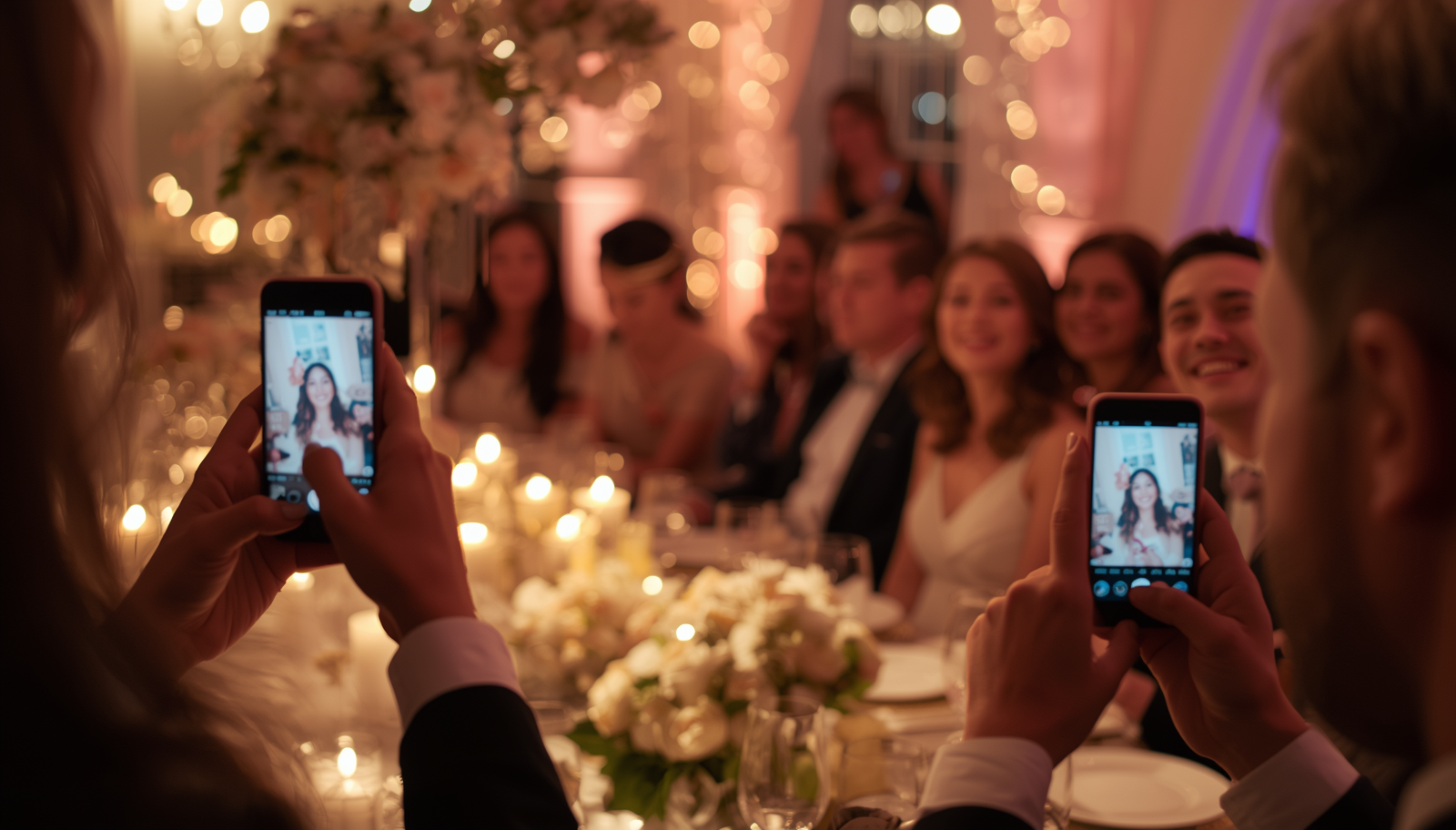
A guest-made wedding film has something a professional one can't: it's shot from inside the party. The cousin's-eye view of the first dance. The shaky clip of your dad's speech from table six. Here's how to turn all of that into something you'll watch every anniversary.
Step 1: Collect the clips
This is the hard part. Clips live on dozens of phones, and without a plan most of them never leave.
- Use a QR code upload page on every table so guests can send videos during the wedding, and share the same link afterwards. Our guide on how to collect wedding photos and videos from guests compares every method.
- Ask for original quality. Clips sent through WhatsApp or social media are heavily compressed. A direct upload keeps the full resolution.
- Ask for video messages, not just footage. Guests filming the dance floor gives you atmosphere; guests speaking to you gives the film its heart. A video guestbook collects both in one place.
- Follow up within a week. Send the link with your thank-you note — plenty of the best clips come in the day after.
Step 2: Sort the clips by moment
Make folders (or albums) for the parts of the day:
- Getting ready
- Ceremony
- Cocktail hour
- Dinner and speeches
- First dance
- Party
- Messages to the couple
This makes the edit far easier and gives your film a natural structure.
Step 3: Pick the best seconds
The biggest mistake in guest-footage edits is using whole clips. Nobody wants to watch 40 seconds of a guest finding the right angle.
- Trim each clip to its best 1–3 seconds for the fast, music-driven parts.
- Let video messages run longer — 5–15 seconds of the best line.
- Cut shaky starts and ends, and anything filmed sideways by accident (or rotate it).
- Aim for variety: mix wide shots of the room with close-ups, laughter with quiet moments.
A good rule: for a 3-minute film, you'll use maybe 40–60 short moments.
Step 4: Put it in order
The day's own timeline is the simplest structure that always works. A popular variation: open with a few emotional video messages, run the day in order, and close with one last message or the sparkler exit.
Step 5: Add music
- One or two songs is plenty for a 2–4 minute film.
- Cut on the beat — most editing apps can show you the beat markers.
- Duck the music under video messages and speeches so the words come through.
- If you'll share it publicly on Instagram or YouTube, use music licensed for that; the platform may mute songs it can't license.
Step 6: Choose your editing tool
On your phone
- CapCut — free, easy beat-syncing, good templates.
- iMovie (iPhone) — simple and free.
- Google Photos — basic automatic movies, very little control.
On a computer
- iMovie (Mac), Clipchamp (Windows) — free and approachable.
- DaVinci Resolve — free, professional-grade, steeper learning curve.
Let it be done for you Some wedding guestbook services build the film automatically. Wedding Reels collects guests' video messages through a QR code and stitches them into a finished montage the day after — which you can share as-is, or use as the starting point for your own edit alongside the raw clips.
Step 7: Export and share
- Export in 1080p — enough for any screen, small enough to share.
- Vertical or horizontal? Horizontal for the TV and YouTube; a vertical cut for Instagram and phones. Many couples make both.
- Share it with your guests. They made it — they'll love seeing it. A private link in your thank-you message is perfect.
- Back it up in two places.
How long should a guest-footage wedding video be?
- Highlight film: 2–4 minutes. The version you'll rewatch and share.
- Messages film: 5–15 minutes of every video message, one after another. The version you'll watch on anniversaries.
- Everything: keep the raw clips archived. Future you will want them.
Tips to get better footage on the day
- Ask guests to film horizontally for dance-floor and speech clips (a small line on the sign helps).
- Give prompts for video messages so guests aren't stuck — see our 60 video guestbook questions.
- Keep messages short. A 30-second limit is long enough to say something real and short enough that people actually do it.
- Light matters. Point out a well-lit corner for recording messages later in the evening.
Frequently asked questions
Can I make a wedding video without a videographer? Yes. With enough guest clips and a free editing app, you can make a highlight film yourself — or use a service that builds one automatically from guests' messages.
What app is best for making a wedding video from guests' clips? CapCut and iMovie are the easiest free options; DaVinci Resolve if you want professional control.
How do I get guests to send me their videos? Give them one simple upload link or QR code, with no app or sign-up, and remind them once during the wedding and once afterwards.
Want the montage done for you? Set up a video guestbook with Wedding Reels — free to try.