The idea is simple: every guest leaves a 30-second video message. You stitch it into a montage. You watch it on your anniversary forever.
In practice, it almost never works. Most couples who try this end up with twelve clips out of two hundred guests, half of them shouting "WOO" while drunk, and a quiet sense of disappointment.
This is a tooling and prompting problem, not a guest problem. Here's how to actually capture video messages from guests at your wedding — and end up with hundreds of usable clips, not twelve.
Step 1: Decide on the format before anything else
The two real options:
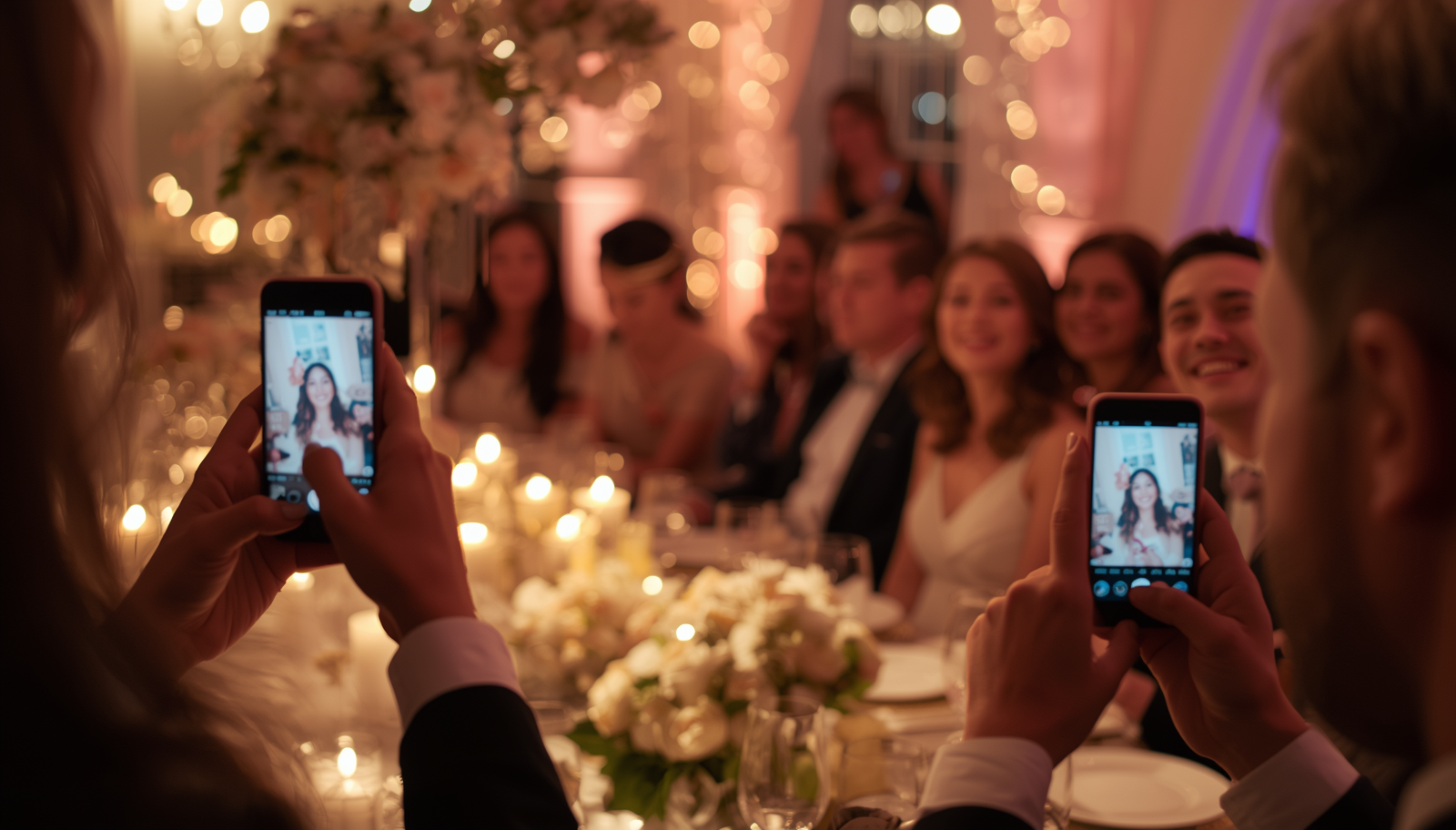
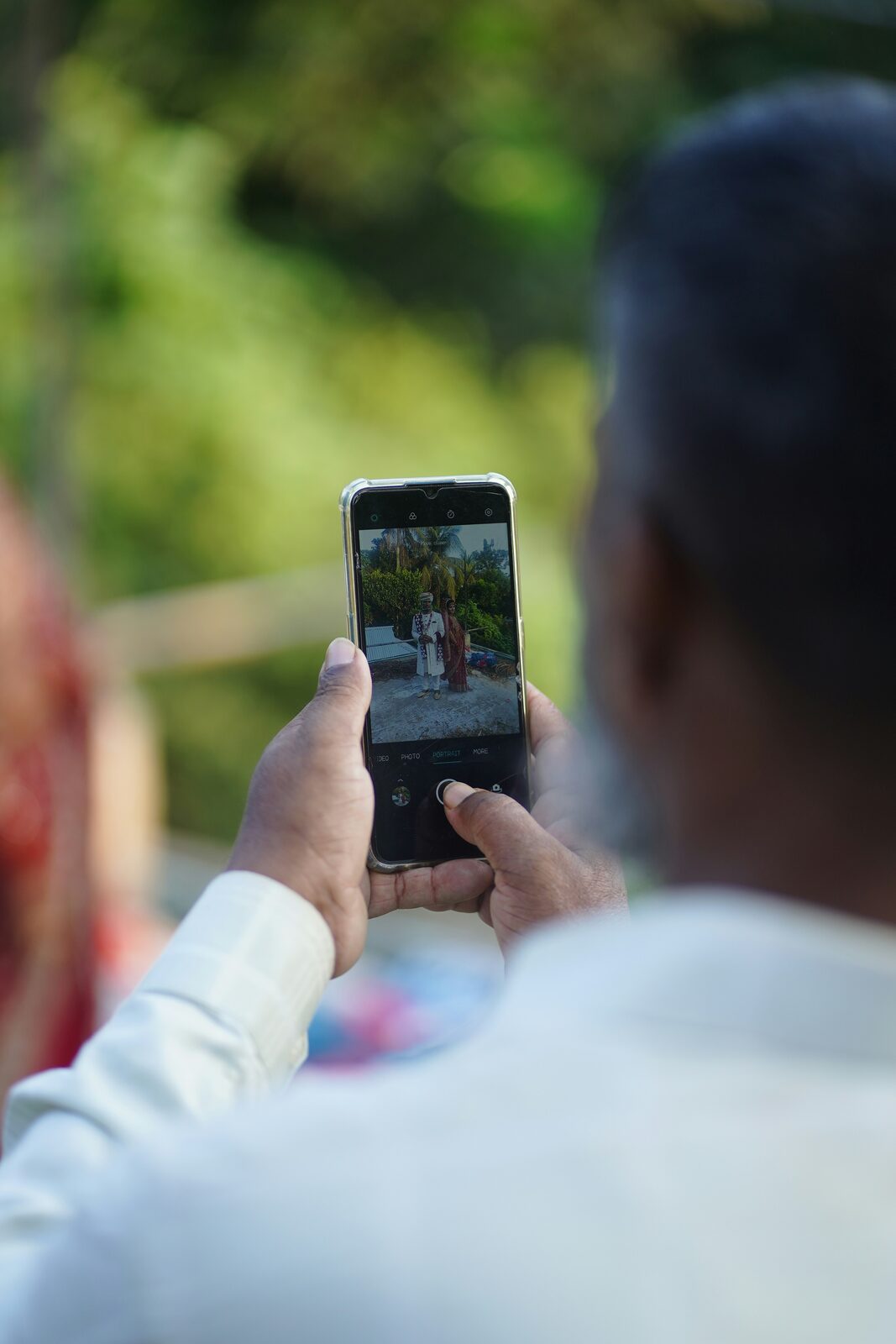
Self-record on their own phone. Guests scan a QR code, record on their phone, upload. No equipment for you. Guests use a tool they already understand. Everyone who attends can do it. Examples: a QR code wedding guestbook like Wedding Reels.
Record on a dedicated device. A camera or tablet at a "video booth," supervised by a friend or vendor. Higher quality, more produced, but: you need someone manning it, you have a bottleneck, and shy guests will not approach.
For volume, self-record always wins. For cinematic quality, dedicated wins. If you want both, do self-record as the primary and have a dedicated booth as a bonus station.
The rest of this guide assumes self-record. It's how 95%+ of couples now do this.
Step 2: Make it impossible to miss
Where you place the call-to-action is most of the battle.
Things that work:
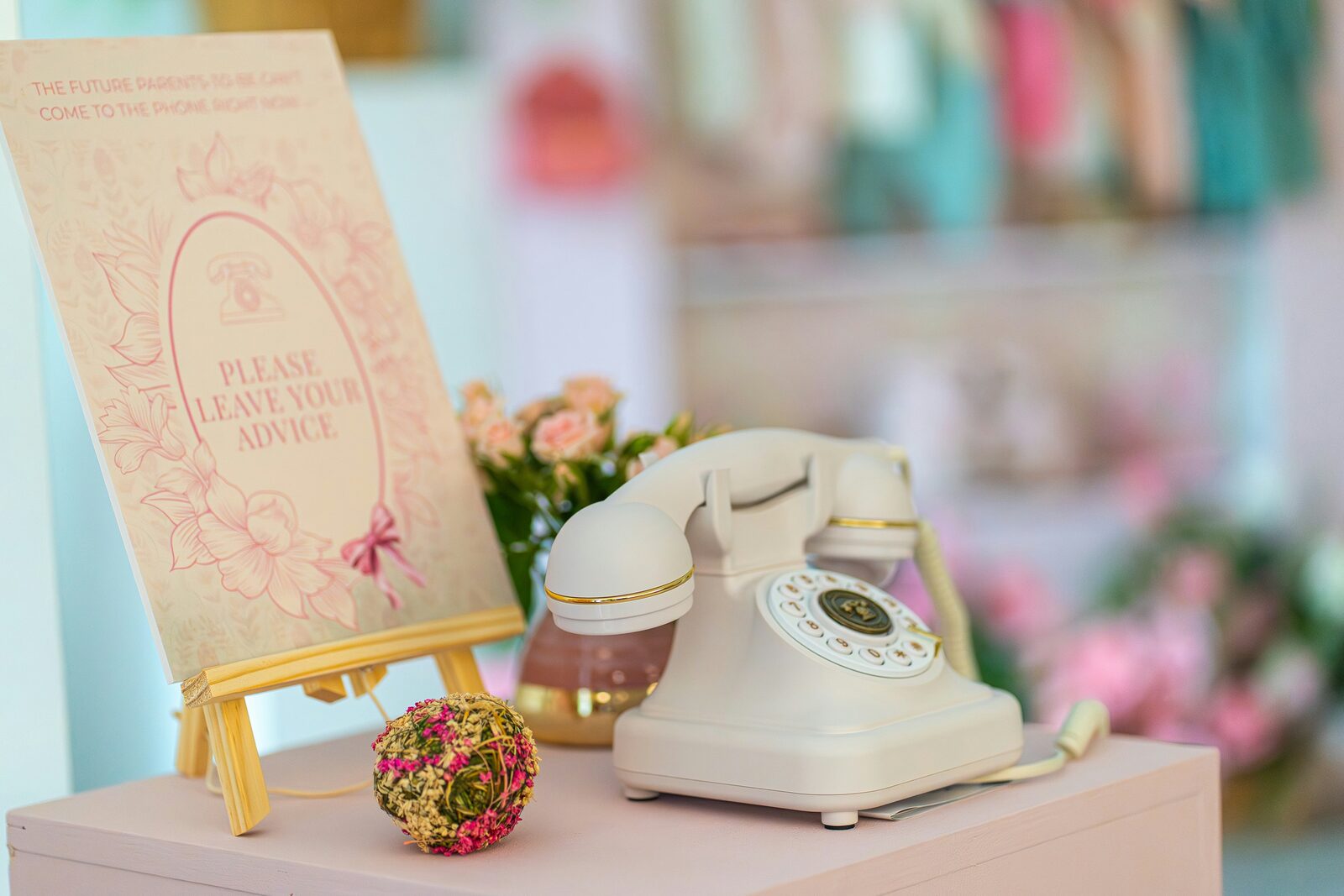
- A sign at the welcome table — large, single QR code, one short instruction
- The same QR code on the back of the menu cards
- The same QR code printed on a card at every place setting
- A small mention in the MC's welcome ("if you have a phone, scan the QR code at your table — leave us a video message tonight")
- A reminder roughly 30 minutes before the cake cutting
Things that don't work:
- Putting the QR code in the invitation only. People throw away invitations.
- Mentioning it once, at the start of the night, and never again.
- Hiding the sign somewhere "elegant" but not visible.
The QR code needs to be present, repeatedly, throughout the night. Not in a way that feels like advertising — but enough that any guest who's interested can find it without asking.
Step 3: Use a specific prompt
This is the difference between twelve clips of "Congrats!!" and two hundred clips of actual heartfelt messages.
A blank prompt produces a blank response. A specific prompt produces a specific response.
Bad prompts:
- "Leave a message for the couple"
- "Say something to the bride and groom"
- "Record your wishes"
Good prompts:
- "What's the best advice you'd give them about marriage?"
- "Tell us a memory of one of us that we don't know about."
- "What did you think the first time you met them?"
- "What do you hope is true for them in 10 years?"
- "Sing one line of a song that reminds you of them."
The pattern: ask for one specific thing. People are paralysed by open-ended prompts. They are unstoppable when given a constraint.
In Wedding Reels you can rotate through different prompts throughout the night automatically — different questions appear at different times, so the messages are varied. But even one well-chosen prompt is enough.
Step 4: Time the prompts to the night
Energy on a wedding night is not constant. People will record different things at different times.
A rough timing model:
- Cocktail hour: People are sober, friendly, polite. Good time for "introduce yourselves and how you know the couple." Useful for context in the final montage.
- After dinner / before dancing: People are warm, slightly looser. Best window for advice, memories, longer messages. This is your goldmine window.
- Late night: People are drunk and hilarious. You will get your funniest clips here, but also your worst ones. You'll cut a lot.
The mistake people make is opening the guestbook at the start and never reminding anyone again. The other mistake is asking only at the end of the night, when everyone is too drunk to be coherent.
The right approach: open it from the start, prompt clearly during cocktails, prompt again after dinner, prompt one last time during dancing. Three prompts spaced through the night.
Step 5: Make the recording experience effortless
If guests have to download an app, sign up for an account, or figure out how to upload — half of them stop. Here's what should happen when a guest scans your QR code:
- Their phone camera opens the link.
- They see a clean page with one prompt and a big record button.
- They tap record. Their phone camera turns on. They have a 30-second timer.
- They record. They tap stop. They tap "send."
- Done. The clip is in your dashboard.
That's it. Five steps, no friction.
Anything more complicated — login, app install, file upload, account creation — and you'll lose half your participation.
This is what Wedding Reels does specifically. Scan, record, send. No app for guests. The whole flow is under 90 seconds for someone who's never done it before.
Step 6: Plan for what happens after
Most couples plan the recording. Few plan what to do with the clips.
Think about it before the wedding:
- Format: Do you want individual clips you can browse, or a single highlight reel? Both?
- Sharing: Are you going to share the montage with guests after? Privately, publicly?
- Editing: Do you want clips raw, or stitched into a polished video?
- Backup: Where are these clips stored long-term? You will want them in 10 years.
A good video guestbook tool will give you a downloadable archive of every clip plus an auto-generated montage. Make sure whatever tool you use does both — you want the raw files for your own backup, and the montage for sharing.
Step 7: A few things that will go wrong (and how to handle them)
Guests who didn't record because they were "going to do it later" and then didn't. Fix: send a follow-up email after the wedding with the same QR code link. Many tools let you keep recording open for 1-2 weeks post-wedding. You will easily double your clip count this way.
The clips with bad audio. Live music + speaker right next to a recording phone = useless. Solution: signage suggests "step somewhere quiet to record" or position the recording station away from speakers.
The guest who recorded a 5-minute monologue. Set a 30 or 60 second cap in the recording tool. People will use exactly the time you give them.
The guest who recorded something inappropriate. You'll have a moderation step before clips appear in the montage. Use it. Some clips don't make the cut. That's fine.
A realistic outcome
If you do all of this — clear signage, specific prompts, multiple reminders, an effortless recording flow, post-wedding follow-up — a 200-guest wedding typically yields 120-180 video messages.
Of those, you'll keep maybe 80-120 in the final montage after editing. That's an hour of footage of the people you love saying things you'll cry over.
Compare to a paper guestbook, where you might get 40-60 short scribbles, half illegible, mostly "Congrats!!"
The difference isn't the guests. It's the system around them.
Wedding Reels handles all of the above by default — QR code, prompts, recording, dashboard, montage. Try it free →